
What’s Cookin’?




Fresh from the Domestic Kitchen

Incredible No Crust Mini Pumpkin Pie Cupcakes Recipe
Easy no crust pumpkin pie recipe baked in silicone muffin tin. Mini pumpkin pie cupcakes with the same flavor and texture of homemade pumpkin custard pie without the crust. A simple recipe for individual crustless pumpkin custard pie cupcakes that bake in just 30 minutes using 100% pure pumpkin puree, pumpkin pie spice, and evaporated milk. Topped with homemade whipped cream for an impossible fall dessert recipe that tastes just like the best pumpkin pie without crust.

Easy Southern Chicken and Dumplings Recipe
Chicken and dumplings better than Cracker Barrel. Southern style chicken and dumplings recipe made from scratch without rotisserie chicken, cream of chicken soup or canned biscuits. Homemade flour dumplings in a flavorful, thickened chicken broth for a cozy bowl of comfort food no matter the season.

Easy 30 Minute Oven Baked Burgers Recipe
An oven baked burgers recipe so easy it only takes 30 minutes to make! Yes, you can make burgers in the oven that bake up juicy and delicious. Learn how to cook hamburgers in the oven to make the best oven burgers with onions you’ve ever eaten!

Better Than Mama’s Banana Pudding Recipe
This easy no bake dessert features creamy, decadent layers of vanilla pudding, fresh bananas, and cookies to make the best banana pudding you’ve ever eaten!

Incredible Lemon Blueberry Muffins Recipe
You won’t believe how easy it is to make incredible lemon blueberry muffins at home that tastes better than a bakery! With the perfect balance of lemon and fresh blueberries, these muffins always bake up moist, fluffy, and irresistibly delicious.
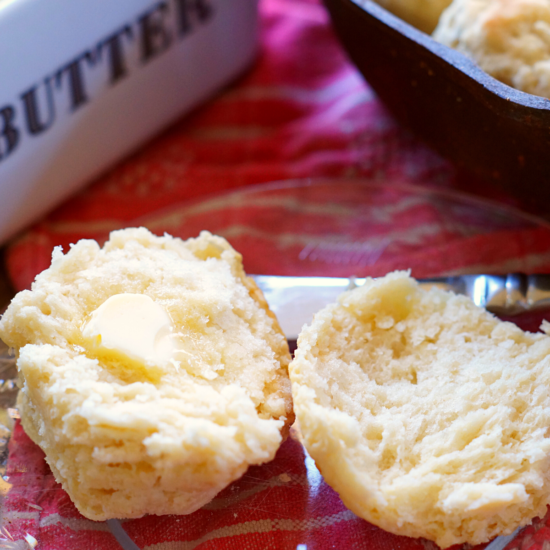
Homemade Southern Biscuits Recipe
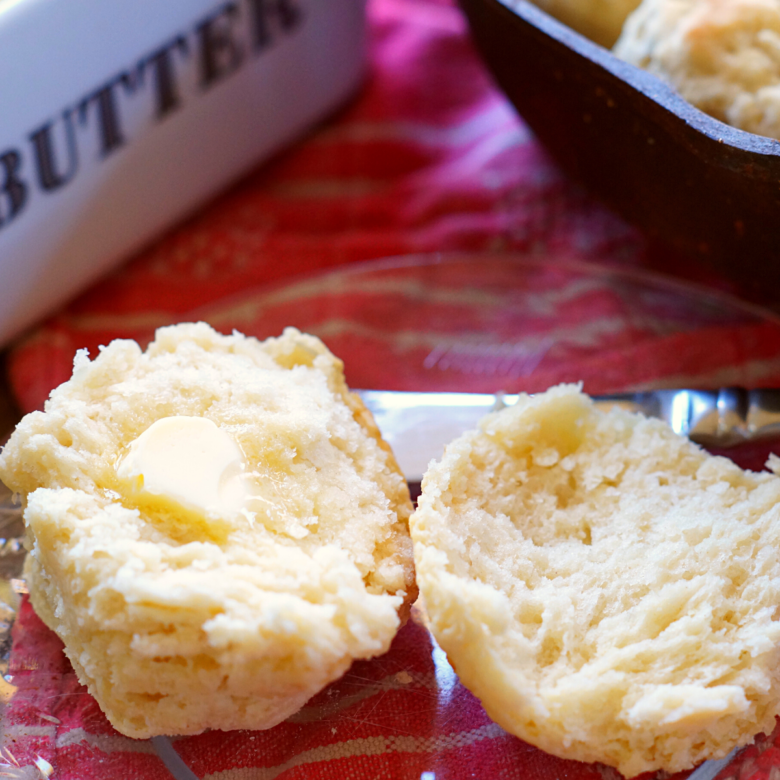
Making homemade biscuits couldn’t be any easier with this authentic southern recipe. Using only 5 ingredients and a cast iron skillet, this simple recipe can be made for breakfast or dinner.

Spring Cake – Easy Easter Recipe
An easy to make cake that will wow your guests with beautiful pastel layers of delicious vanilla cake inside. Perfect for spring, this cake can be decorated in a variety of ways.

Easy Homemade Waffles Recipe – Better Than Waffle House
Want to make the best homemade waffles ever! This easy Waffle House copycat recipe tastes even better because they are homemade. Fluffy waffles made in minutes with or without buttermilk. No need for a fancy belgian waffle maker. You can make this simple waffle recipe using any waffle maker.

Irresistible Garlic Knots Recipe
Level up your next family meal with these irresistible garlic knots. These garlic knots are so incredibly delicious you’ll want to make them more than once this week. Great paired with a variety of dishes, we think they are best when served alongside our favorite homemade dishes like lasagna or pizza.

Southern Style Green Beans Recipe
Green beans never tasted this good. Using fresh, frozen, or canned green beans this southern recipe brings so much flavor to the table it will become an instant family favorite.

Banana Nut Oatmeal Recipe
Creamy homemade banana nut oatmeal tastes like warm banana bread in a mug. This breakfast recipe will fill you up and keep you going till lunch. Made with real bananas, old fashioned rolled oats, and pecans it has just the perfect balance of sweetness and only 10 minutes to make!

Southern Sweet Potato Casserole with Pecan Streusel Topping
Southern sweet potato casserole with a crunchy pecan streusel topping that’s sure to be a favorite side dish recipe on any table during the colder months. Creamy Sweet Potatoes pairs perfectly with the crunchy pecan and oat topping. This side dish will bring a balanced sweetness to your savory holiday meal.

Quick and Easy Instant Pot Turkey Breast with Buttery Herb Gravy
This Instant Pot Turkey Breast recipe with buttery herb gravy is sure to be a family favorite. Quick and Easy, it can be ready in less than an hour.

The BEST Easy Mashed Potatoes Recipe
Easy mashed potatoes recipe better than a restaurant. Learn how to make homemade mashed potatoes from scratch with just a few simple ingredients. Russet potatoes, butter, and heavy cream make the best mashed potatoes no crock pot needed. Chicken broth, sour cream, half and half, or milk can be used as a substitution in this creamy mashed potatoes recipe. Top mashed potatoes with gravy for the best dinner side dish. The best Thanksgiving side dishes include mashed potatoes with skin or peeled.

Not Your Mamas Sangria Recipe
It’s Leo season! What better way to celebrate the sunniest time of year than with a refreshing glass of sangria at the end of a hot summer day. Not your mamas sangria recipe is light and perfectly balanced with a little bit of sweetness. The pop of citrus flavors really shines in this sangria recipe made with moscato white wine and coconut water. This cocktail recipe is so easy to make you’ll want to keep a batch made in the fridge all summer long.

Peach and Watermelon Fresh Fruit Salad
Summer fruits, peaches and watermelon, paired perfectly with peppermint leaves for a refreshing salad to feed a crowd. One of my favorite ways to enjoy fruit is in the form of a salad. Mixing different types of fruit together is a wonderful way to add some variety to your diet. Even though this fruit salad is so simple and easy to make, it will sure to be a great side dish or snack for your next get together. Sometimes the simplest things end up being the best recipes. Just one tip before you go: Always buy fruit when it is in season for the best, sweetest fruit possible.

Grab & Go Mason Jar Matcha
Rock your morning with a refreshingly cool matcha latte. This matcha can be made in a mason jar and stored in the fridge to grab and go when heading out the door. Matcha is considered a superfood because of all of its amazing health benefits. Because you are consuming the entire leaf, you get all of the health benefits that are in green tea leaves. Matcha can be used in a variety of ways from lattes like I’m going to show you today to smoothies and even baked goods.

Drinking CBD Tea for Self-care
CBD is taking over the health industry and for good reason. CBD can offer our bodies many different benefits for our overall health and well-being. Adding CBD Living Loose Leaf Tea to my night time routine has been a life changer.

Cinnamon-Swirl Coffee Cake Recipe
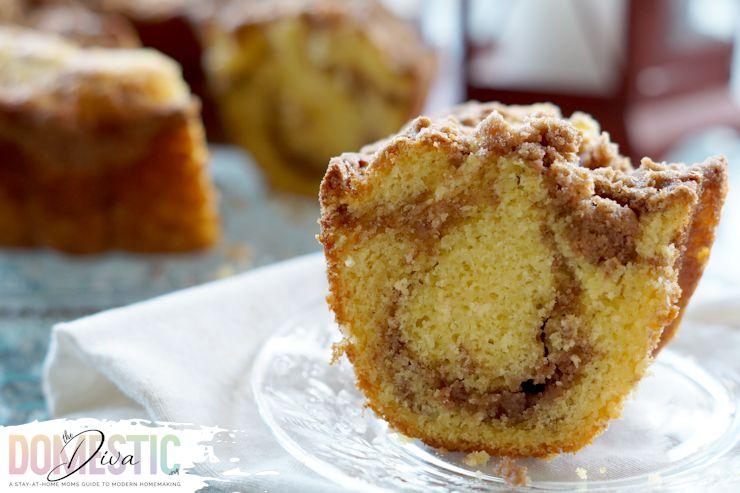
Hand’s down, the best coffee cake you’ll ever eat. You won’t believe how easy it is to make. Turn a simple boxed cake mix into a cinnamon swirl coffee cake that tastes like its from your favorite coffeeshop.

Drinking Nothing but Water Ruined My Life
When you read articles about the benefits of drinking water, none of them tell you that it will ruin the life that you know. Water challenge results.

The Best Homemade Pizza Dough Recipe
Who doesn’t like pizza? Pizza is a basic recipe every home chef should learn to master. The best homemade pizza starts with a good dough …

How Mom Does Lunch with Tai Pei Single Serve Entrees
Disclosure: This post was sponsored by Tai Pei, all opinions expressed in my post are my own. What if I told you that you could …

It’s Getting HOT In Here!